Your day,
without the phone.
A personal agent in your glasses. Press the ring, say what you need, and hear it back.
Press. Speak. Listen.
No wake word, no screen to unlock, no app to open.
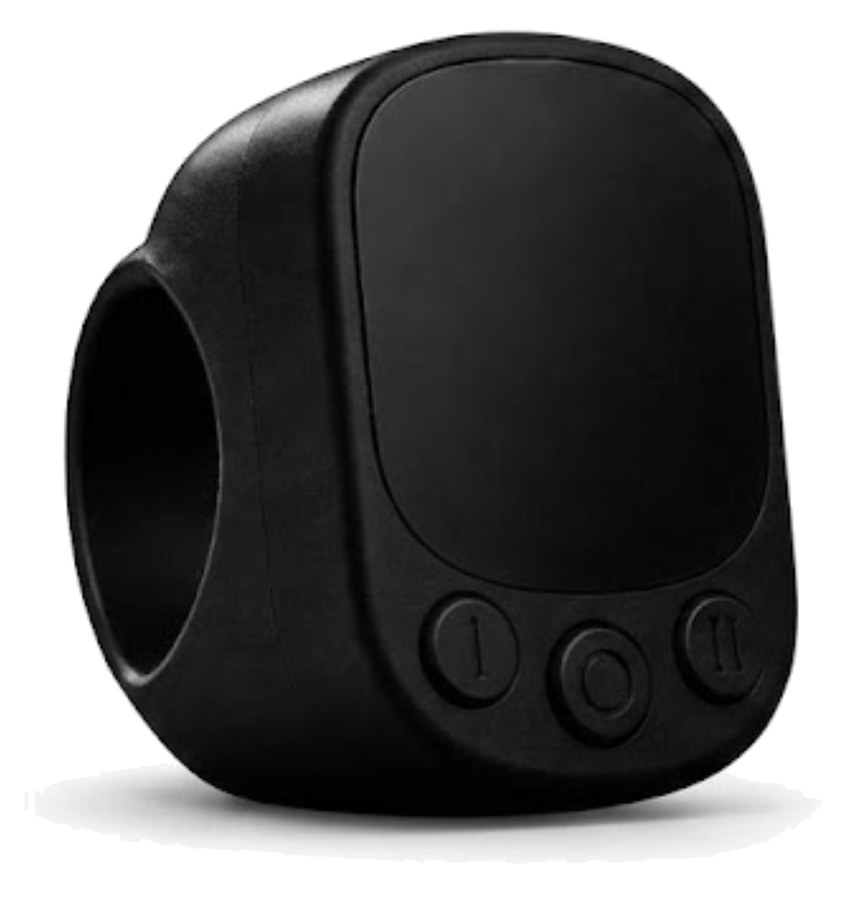
Press the ring.
Grove starts listening, with your phone locked in your pocket.
Say it like you would to a person.
“Move my 3 o’clock to tomorrow.” “What did Sam say about the lease?”
Hear it in your glasses.
Before it sends an email or moves or cancels an event, it reads it back and asks.
Its own voice. Right by your ear.
Two things you already know how to wear.
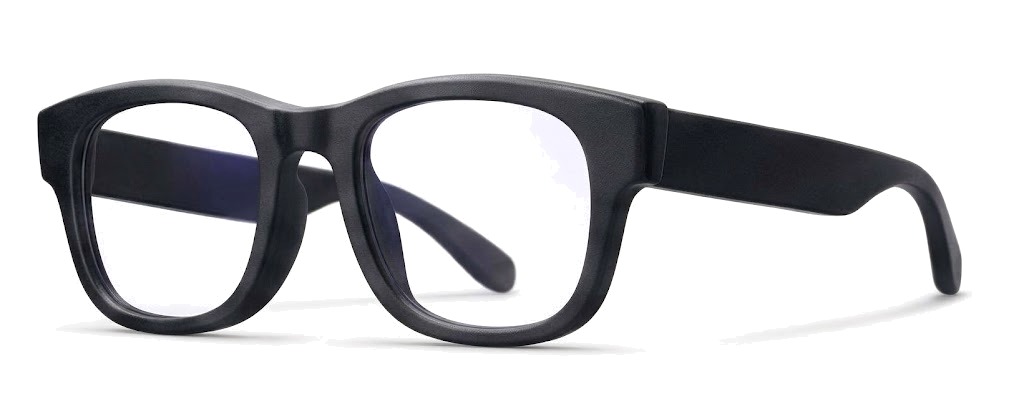
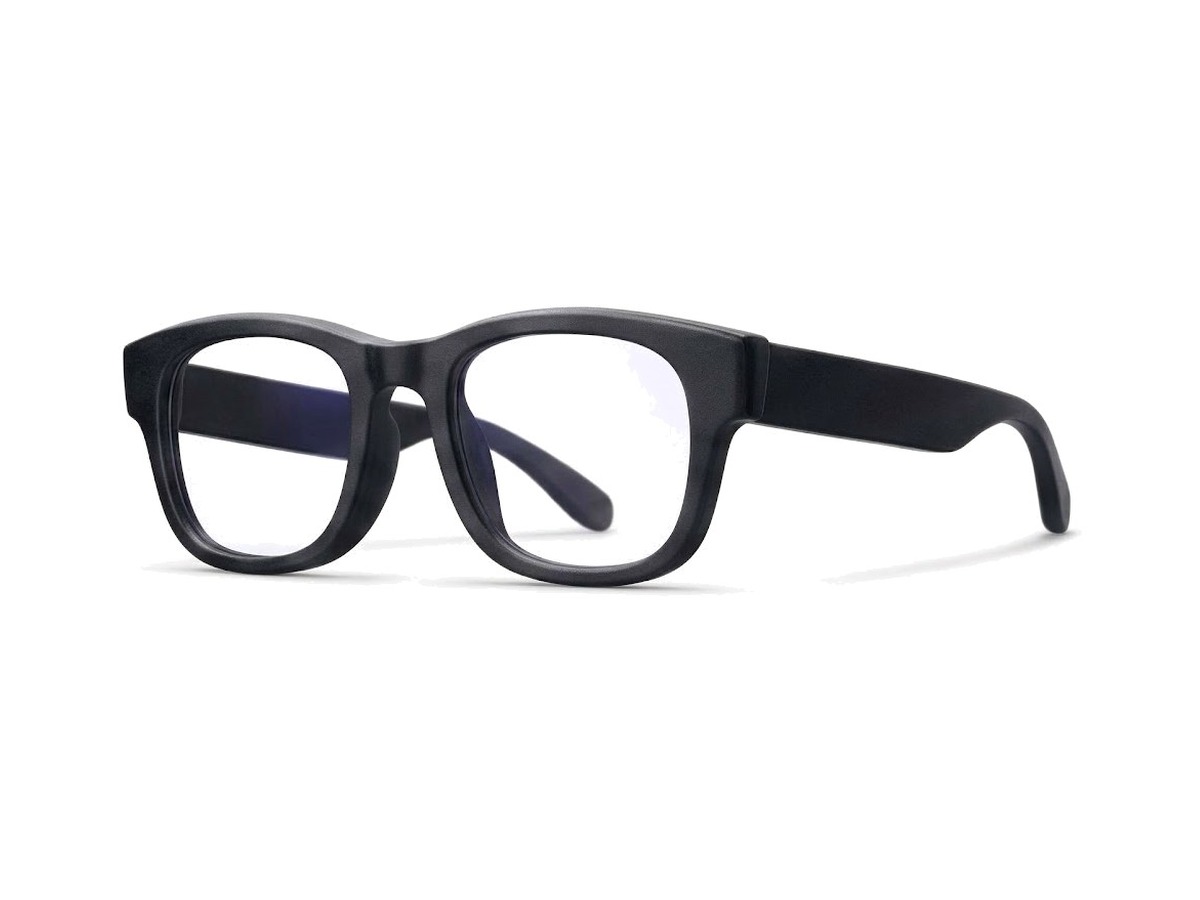
The glasses. Four colours.
Speakers in the arms, right by your ear, and a microphone for your voice. You hear Grove and you still hear the room.
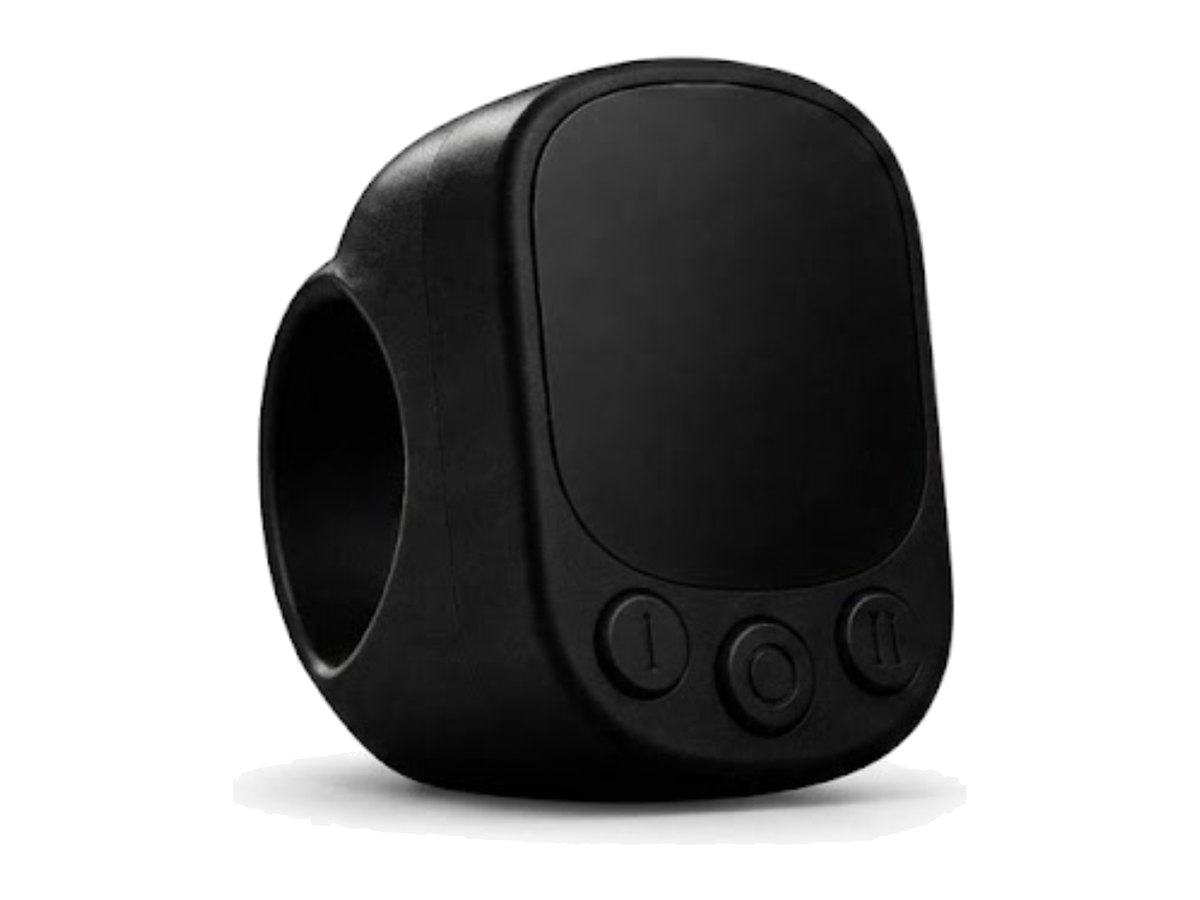
The ring. Black or white.
Press it to talk, and press it again to stop. You can find the buttons by feel, so you never look down.
Everything you’d reach for your phone to do.
Your Google Workspace and the apps on your iPhone, through one voice.
Calendar
What’s on today. Find, add, move or cancel an event.
“Push lunch with Ana to 1.”Gmail
Search, summarise, and reply or send new mail. Always read back first.
“Hey, respond to that email from Jordan.”Docs
Find a document, write a new one, or add to one you have.
“Add this to my trip notes.”Music
Play, queue and skip, or pick up where you left off.
“Play something to focus.”Reminders
Catch a thought mid-walk. It goes straight into Reminders.
“Remind me to call Mom at six.”Maps
How long it’ll take, when to leave, and directions.
“How long to the airport?”Messages
Say a text and Grove writes it. You tap send.
“Text Sam I’m running late.”Calls
Find anyone in your contacts and start a call.
“Call Dad.”Weather
Right now, later today, and whether you need a jacket.
“Is it going to rain?”Your day
What’s on and the weather outside, in one go.
“How’s my day looking?”Memory
Tell it once and it remembers, so you don’t repeat yourself.
“What was that place Leo liked?”Web search
Quick answers, read out in a sentence or two.
“When does the game start?”
Powered by Noctus.
The same engine and integrations people use to build their own AI apps, tuned for one person’s day. Your Google sign-in stays on your phone.
Questions.
Does Grove replace my phone?+
It replaces most of the times you take it out. Grove runs on your iPhone, so the phone still does the work. It just stays in your pocket.
Which phones does it work with?+
iPhone. Grove is built around iOS apps like Reminders, Music and Messages.
Does the app have to stay open?+
Grove keeps working in the background and with your screen locked. If you swipe it away completely, open it once and the ring works again.
Can Grove read my text messages?+
No. iOS doesn’t let any app read Messages. Grove can write a text for you and open it ready to send, and you tap send.
Will it send things without asking?+
No. Emails and replies are read back to you before they go, and moving or cancelling an event needs a yes. Texts always wait for you to tap send.
How is this related to Noctus?+
Grove is built by the Noctus team on the Noctus platform. Noctus is where people build AI apps for their work. Grove brings that same engine to one person’s everyday life.
Put the phone away.
Grove is in early testing. Join the waitlist and we’ll let you know when there’s a spot.
One email when there’s a spot. No spam.